
Revit + Twinmotion Productions
Cinematic Renderings and Advanced Visual Productions
If you're going to do it, do it with ONYR.
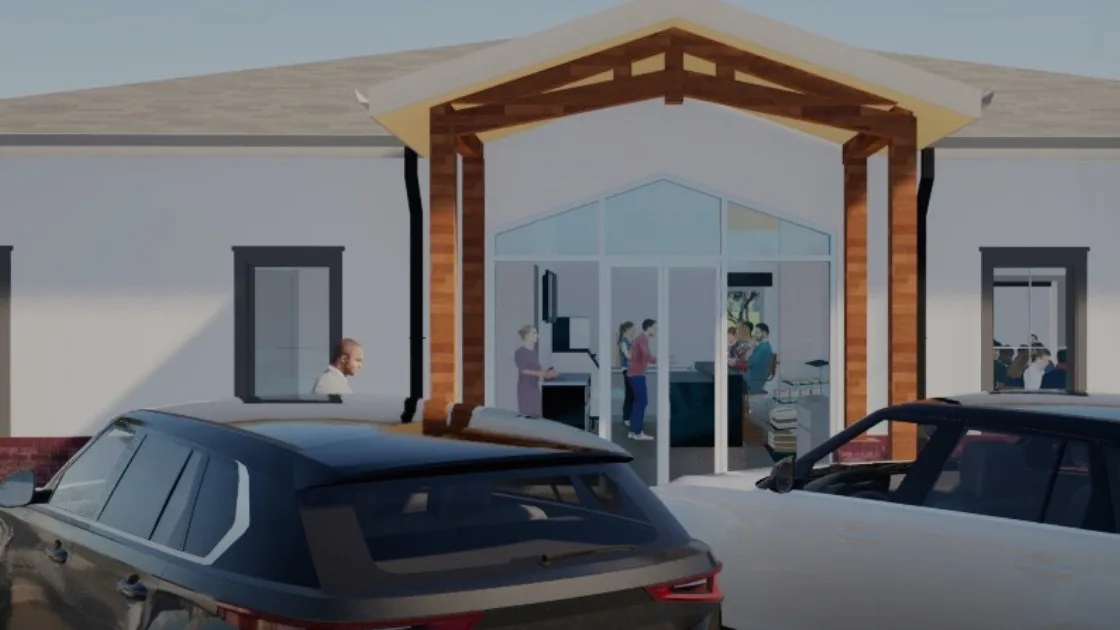
Some decisions are made in a spreadsheet. Most are made in a room, by people who need to feel what a project will be before they commit money, votes, or reputation to it. ONYRverse builds cinematic visual productions for exactly those rooms. Every production starts as a real Revit model of your design, then comes to life in Twinmotion as video walkthroughs, aerial flyovers, and photoreal still images of the plans.
Transparency equals trust. When a lender, city council, church committee, investor group, or future tenant can watch the project unfold on screen with real light, landscaping, and context, they stop asking what it will look like and start asking how to move it forward. We call this advanced visual production, and it is built to make projects fundable, approvable, and buildable.
Why Motion and Light Persuade Better Than Plan Sheets
Plan sheets are precise, but they speak a language most decision makers do not read fluently. A flat elevation cannot show how afternoon sun hits a storefront, how a sanctuary feels with the lights dimmed, or how a drive curves toward the entry through the trees. A film can show all of that in under a minute.
Motion also controls the story. Instead of handing someone a stack of drawings and hoping they look at the right page, a cinematic walkthrough leads the viewer from the street to the front door, through the main spaces, and out to the view that sells the design. Everyone sees the same sequence, which keeps a presentation focused and keeps questions on the things that matter.
Our Revit to Twinmotion Production Pipeline
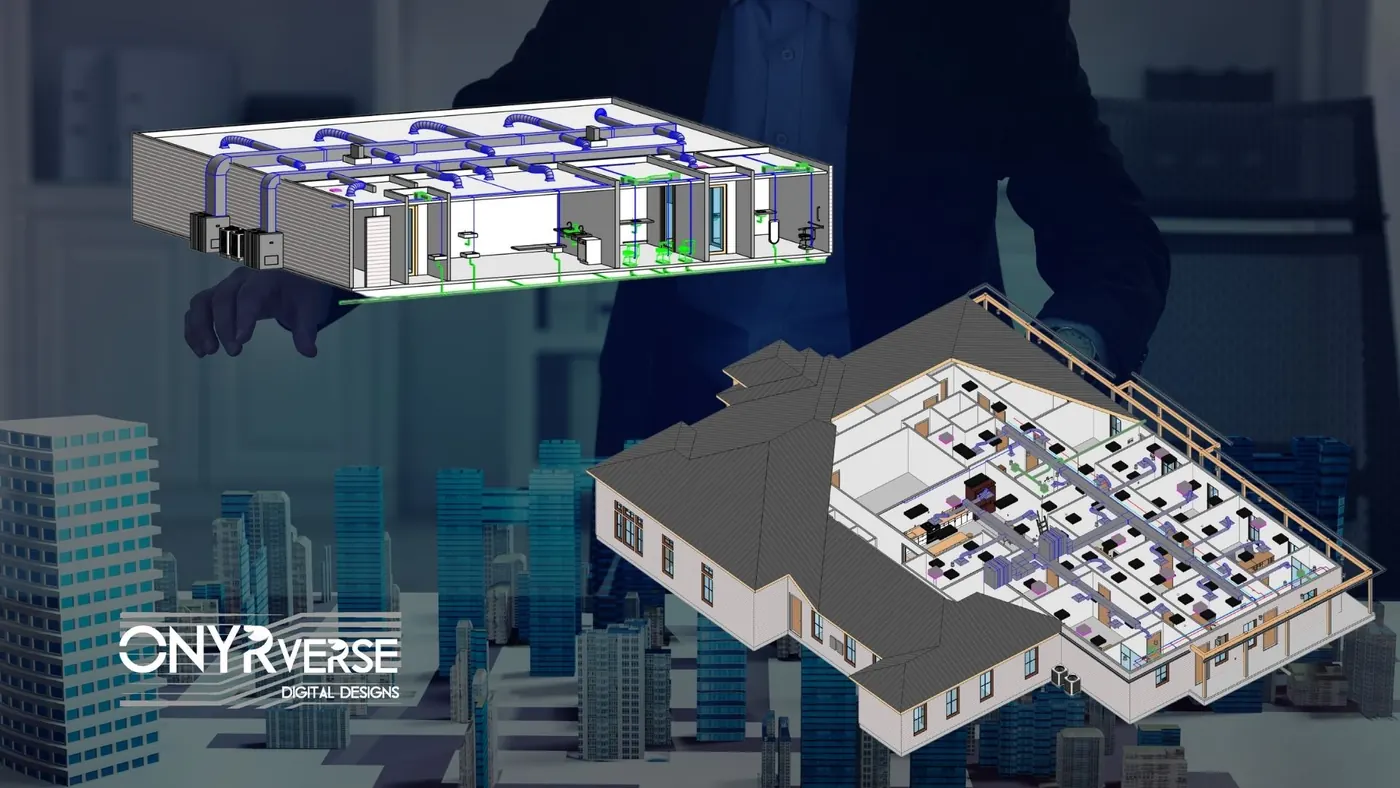
All of our models are created in Revit. That matters because the geometry in the film is the same geometry in your drawings, with real wall thicknesses, window sizes, roof pitches, and floor heights. We then export the model into Twinmotion, a real-time visualization platform, to add materials, vegetation, sky, people, vehicles, and lighting.
Because Twinmotion renders in real time, we can test camera paths, time of day, and seasons quickly, then output finished video and high-resolution stills. When the design is revised in Revit, the updated model can be brought back into the production rather than rebuilt from scratch, which keeps visuals aligned with the plans as the project evolves.
- Design geometry comes straight from the Revit model, not a separate artist's version
- Materials, landscaping, sky, and entourage added in Twinmotion
- Day, dusk, and night lighting studies from the same scene
- Updated productions when the design moves forward
Production Formats We Deliver
Different audiences need different formats. A lender package benefits from a handful of sharp exterior and interior stills. A fundraising campaign for a church or school needs a short film that can play in front of a congregation or on social media. A developer marketing units before construction may want both, plus an aerial flyover that shows the whole property.
We plan the production around where it will be shown, so the output is sized and framed correctly for a presentation screen, a website, a printed board, or a phone.
- Cinematic video walkthroughs of exterior and interior spaces
- Aerial flyovers of the building and the full site
- Photoreal still renderings for boards, brochures, and lender packages
- Short clips formatted for social media and websites
- Before and after sequences for renovation projects
Where Visual Productions Earn Their Keep
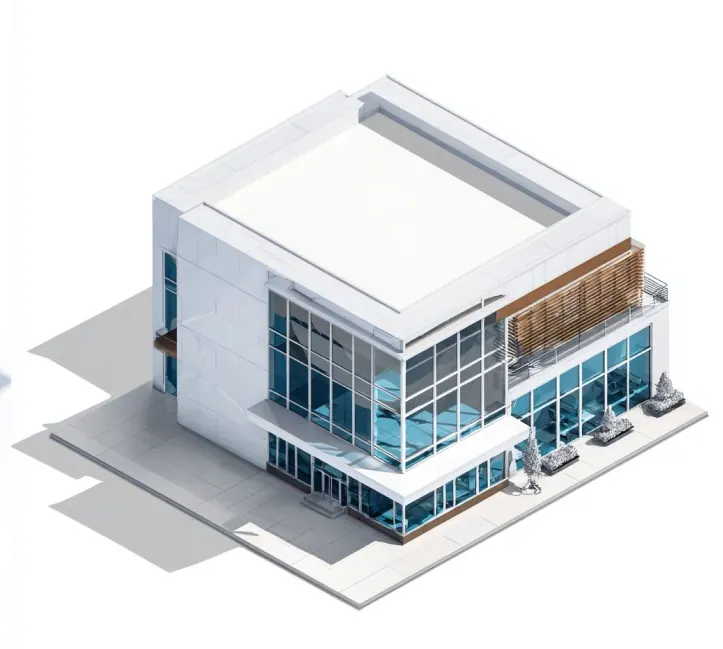
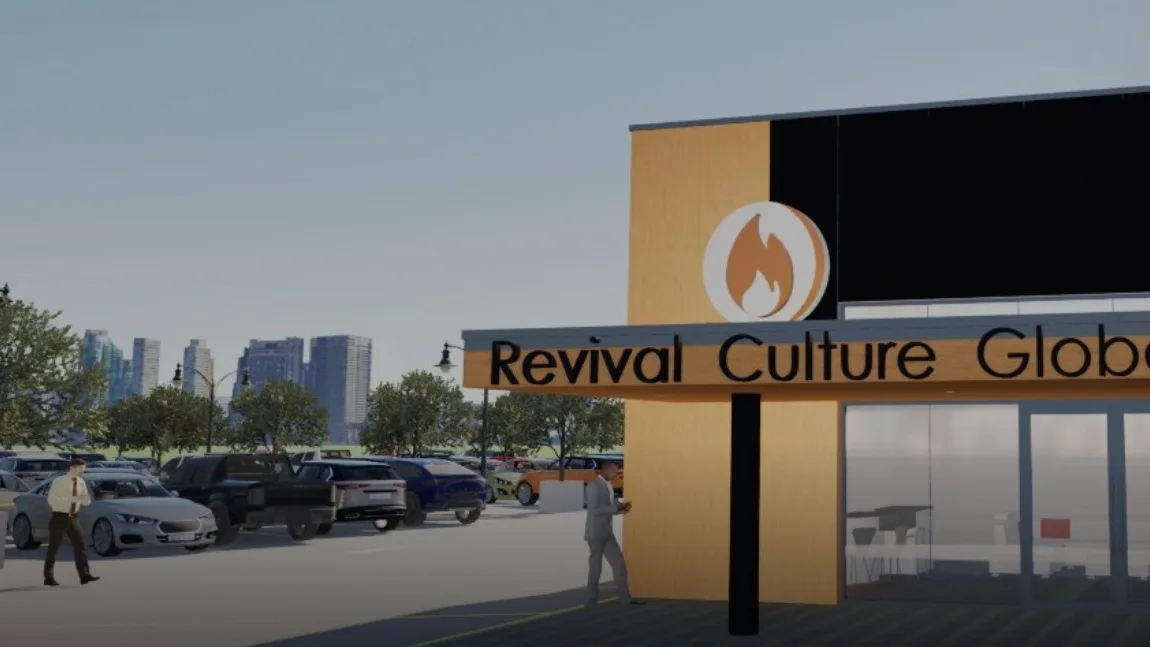
Visual productions pay off wherever someone has to be convinced before a project can advance. Developers use them in investor decks and pre-leasing. Businesses use them to show landlords, franchisors, or partners what a new location will look like. Churches, schools, and nonprofits use them to rally support for an addition or a new campus. Public and community projects use them to help residents understand what is proposed on the lot down the street.
ONYRverse presentation boards span project types such as a coffee shop new build, a retail new construction project, an event venue renovation, and a church and school addition. The common thread is simple: the clearer people can see the outcome, the faster they align around it.
Keeping the Film Honest to the Plans
A beautiful video that does not match the drawings creates problems later, because people approve what they saw on screen. We keep productions tied to the Revit model, and we label conceptual elements such as furniture, landscaping, and artwork as illustrative when they are not part of the construction scope.
Finishes shown in a rendering express design intent. Final products, pricing, and availability are settled once the plans are finished, with your builder of choice or with ONYRverse on a design-build project, and a rendering is not a promise about cost. It is a clear picture of the design so that every conversation about cost starts from the same place.
How Cinematic Renderings Works at ONYRverse
- 01
Audience and Storyboard
We learn who will watch the production and what decision it supports, then outline the shots, sequence, and key views that tell the story of the design.
- 02
Prepare the Revit Model
We confirm the model reflects the current design, fill in the spaces the cameras will see, and add site context such as drives, parking, and neighboring structures.
- 03
Build the Twinmotion Scene
We export to Twinmotion and apply materials, landscaping, lighting, sky, and entourage, then set camera paths and test time of day for the strongest look.
- 04
Review Cuts
You review draft stills and a rough cut of the video. We adjust camera moves, lighting, materials, and pacing based on your comments.
- 05
Final Render and Delivery
We render the final video and stills at full resolution, prepare formatted versions for screens, web, and print, and deliver files ready to present.
Cinematic Renderings FAQs
What is Twinmotion and why do you use it with Revit?
Twinmotion is a real-time visualization platform that pairs well with Revit. We design in Revit so the geometry is accurate, then export into Twinmotion to add materials, landscaping, lighting, and cameras. Real-time rendering lets us test views and time of day quickly and produce polished video and stills without rebuilding the design in a separate program.
Can a cinematic video help me raise money for my project?
It can make your pitch much clearer, which is what investors, donors, and lenders respond to. A short film shows what the finished project will look and feel like in a way a plan set cannot. It works best alongside a defined scope and coordinated documents. ONYRverse does not fund projects, but we help present them in a fundable way.
Can you show my building at night or in different seasons?
Yes. Because the scene is built in Twinmotion, we can render the same design at midday, sunset, and night, and adjust vegetation and weather for different moods. Evening views are especially useful for restaurants, retail, event venues, and churches, where exterior lighting and glowing windows are a big part of how the building will be experienced.
What if my design changes after the video is made?
Because the production is driven by the Revit model, design changes can be carried into the Twinmotion scene rather than starting over. The amount of rework depends on how much changed and which shots are affected. We recommend scheduling the final render after the design is approved, with draft stills earlier for decision making.
Are the furniture, trees, and people in the renderings part of my project?
Usually not. Furniture, artwork, people, vehicles, and most landscaping are added to make the scene read naturally and are illustrative unless they are included in your construction or landscape scope. We keep the building itself faithful to the drawings and flag illustrative elements, so nobody mistakes set dressing for a promise.
Cinematic Renderings Across Southeast Texas
- Beaumont, TX
- Port Arthur, TX
- Nederland, TX
- Groves, TX
- Port Neches, TX
- Orange, TX
- Vidor, TX
- Bridge City, TX
- Lumberton, TX
- Silsbee, TX
- Sour Lake, TX
- Winnie, TX
- Mauriceville, TX
- Kountze, TX
- Bevil Oaks, TX
- Fannett, TX
- China, TX
- Evadale, TX
- Nome, TX
- Pinehurst, TX
- West Orange, TX
- Buna, TX
- Deweyville, TX
- Ames, TX
- Hardin, TX
- Anahuac, TX
- Liberty, TX
- Kirbyville, TX
- Dayton, TX
- Woodville, TX
- Newton, TX
- Jasper, TX
- Rose City, TX
- Pine Forest, TX
- Central Gardens, TX
- Pinewood Estates, TX
- Taylor Landing, TX
- Hamshire, TX
- Little Cypress, TX
- Forest Heights, TX
- Stowell, TX
- Devers, TX
- Daisetta, TX
- Hull, TX
- Wildwood, TX
- Warren, TX
- Kenefick, TX
- Oak Island, TX
- Old River-Winfree, TX
- Ivanhoe, TX
- Cove, TX
- Mont Belvieu, TX
- Big Thicket Lake Estates, TX
- Bolivar Peninsula, TX
- Beach City, TX
- Starks, LA
- Vinton, LA
- Hackberry, LA
- Carlyss, LA
- Sulphur, LA
- DeQuincy, LA
Related services
3D Modeling
Advanced 3D modeling and architectural visualization in Beaumont, TX that lets owners, lenders, and builders see and approve a project before construction begins.
Learn more →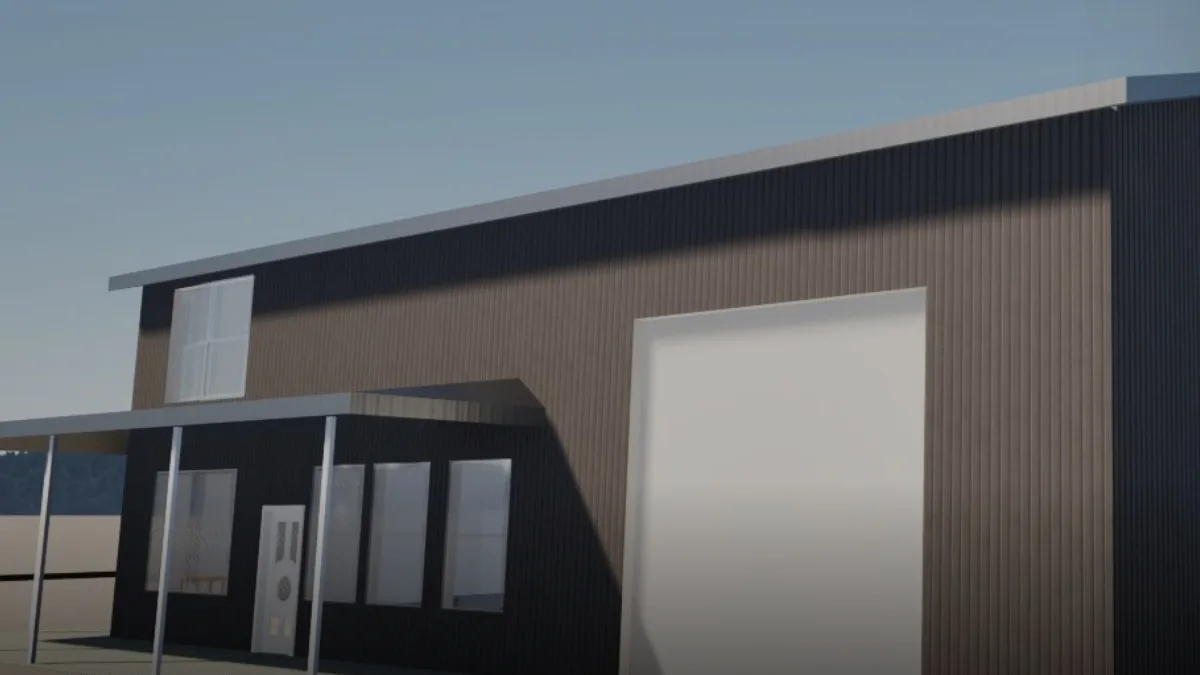
AR Walkthroughs
Augmented reality walkthroughs from Beaumont, TX that put your building, or an entire property development, on your iPhone at full scale so you can place it on the site and walk through it before construction.
Learn more →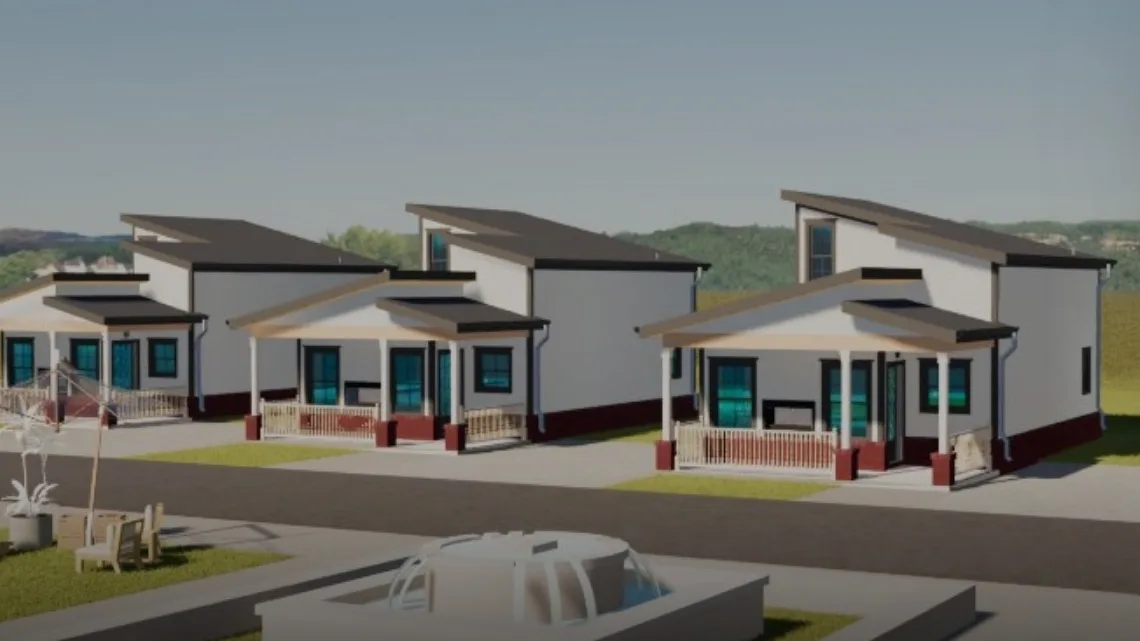
Architectural Design
Architectural design services in Beaumont, TX that turn residential, commercial, barndominium, tiny home, and renovation concepts into buildable plans, design only or design and build.
Learn more →
Start a Cinematic Production of Your Design
Tell us who needs to see your project and what they need to decide. We will scope a Revit to Twinmotion production, video, flyover, stills, or all three, that helps you get the yes you need.
Ready to move your project forward?
Tell us about your project in the Design Brief intake form, or call to talk it through. If you're going to do it, do it with ONYR.